
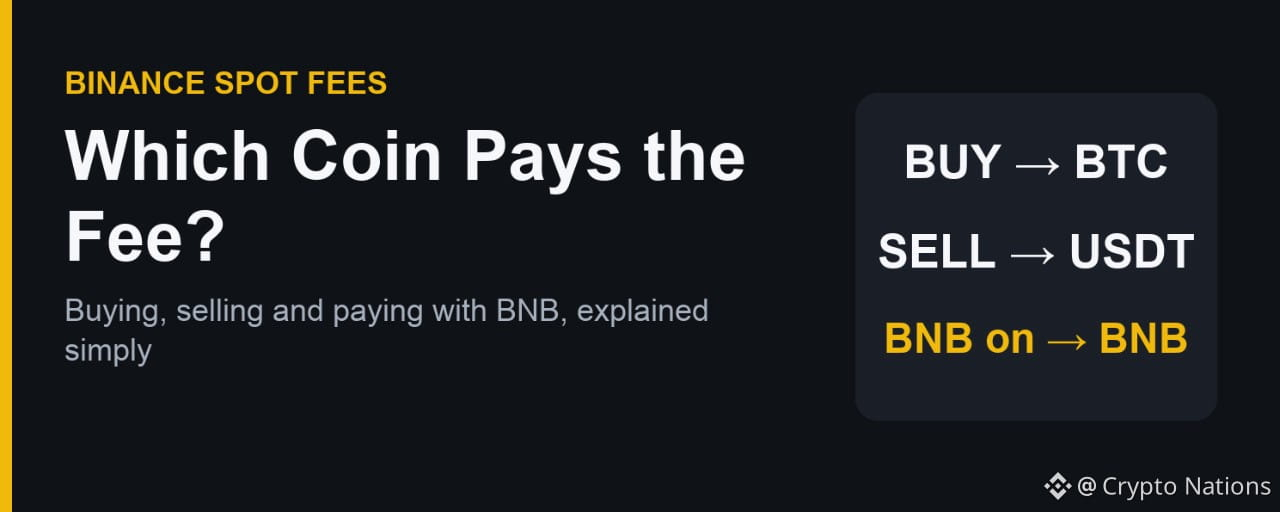

New Binance users often see a slightly smaller amount than they expected after a Spot trade. The reason is usually the fee, and which coin it is taken from. Here is how it works, with referral code CODE2026 as the example. Updated: Nov 8, 2026.
Buying: The Fee Comes from the Coin You Receive
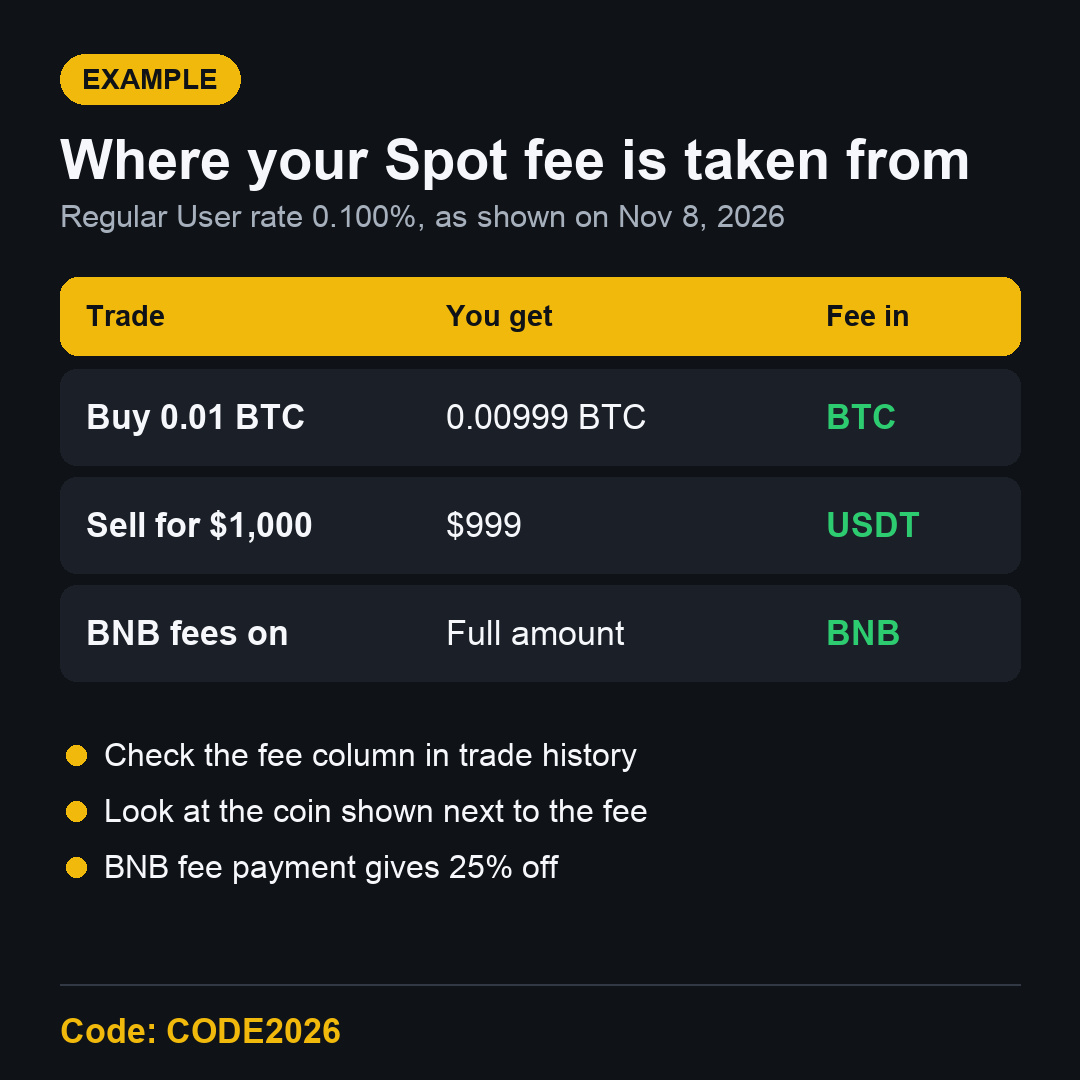
Buy BTC with USDT and the fee is normally taken in BTC. If you buy 0.01 BTC at the 0.100% Regular User rate, you receive 0.00999 BTC.
Selling: The Fee Comes from What You Get Back
Sell BTC for USDT and the fee is normally taken in USDT. A $1,000 sale at 0.100% returns $999.
Paying Fees with BNB
If you turn on BNB fee payment and hold enough BNB, the fee is taken in BNB instead, with 25% off. You then receive the full amount of the coin you bought.
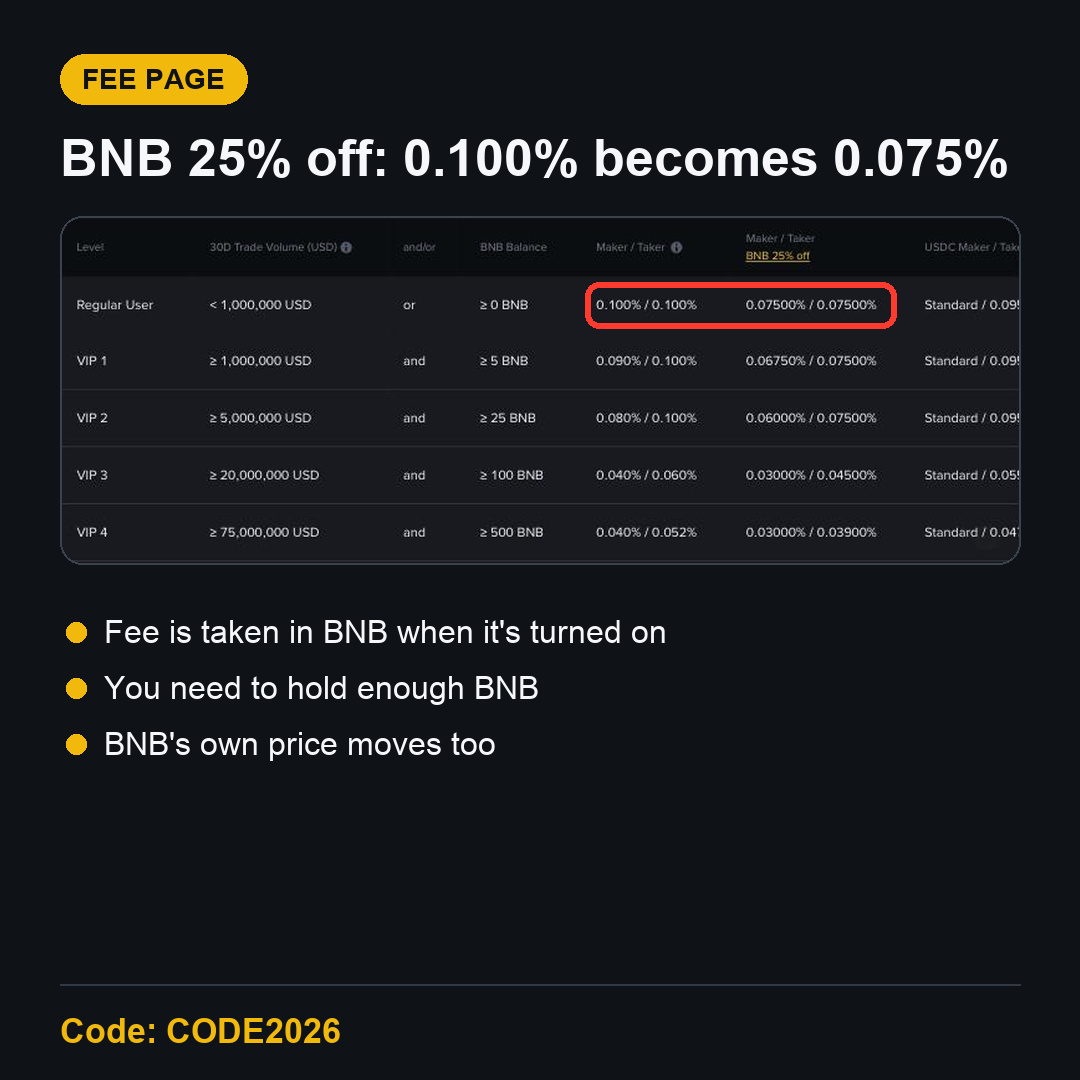
The Binance Spot fee page showed 0.100% and 0.075% with BNB for a Regular User at the time of this update.
How to Check It on Your Own Trade
Open your trade history after the order fills.
Look at the fee column and the coin shown next to it.
Compare the amount received with the amount ordered.
Where CODE2026 Fits In
CODE2026 shows up to 20% trade rebates on qualifying Spot fees. The rebate relates to the fee itself, whichever coin it was paid in.
FAQ
Why did I get slightly less BTC than I ordered?
Most likely the fee was taken from the BTC you received. Check the fee column.
Is BNB fee payment always better?
It lowers the rate, but you need to hold BNB, and its price moves too.
Start with CODE2026
Know where your fee goes, then use the Binance referral code CODE2026 sign-up link. Open the CODE2026 sign-up page and confirm the code.
Disclosure: CODE2026 is my referral code, and I may earn commission from qualifying activity. This is an independent guide, not an official Binance post. Benefits depend on Binance's terms, your region and your eligibility. Crypto trading carries risk. Not financial advice. DYOR.