


Trust and transparency are the foundation of the modern cryptocurrency ecosystem. Today, users rightfully demand cryptographic proof that their funds are safe, secure, and fully backed by the exchange.
This guide explains exactly how you can check whether your account balance is included in #Binance ’s Proof of Reserves (PoR) snapshot. You will also learn how to find your verification data and independently verify your inclusion using advanced cryptographic tools like the Merkle Tree and zk-SNARKs.
What Is Binance Proof of Reserves?
Binance Proof of Reserves (PoR) is a public, cryptographically verified auditing system. It demonstrates that the exchange holds sufficient on-chain assets to cover all user balances 1:1, alongside additional reserves.
To achieve massive scale without compromising user privacy, Binance utilizes two advanced cryptographic structures:
Merkle Trees: A data structure that securely hashes and aggregates millions of user balances into a single, verifiable "Merkle Root."
zk-SNARKs (Zero-Knowledge Succinct Non-Interactive Argument of Knowledge): A zero-knowledge proof protocol. It mathematically proves that a user's balance is included in the total reserve calculation without revealing the exact balance to the public or other users.
Together, these technologies ensure that the exchange cannot exclude negative balances or fake its reserves to manipulate the audit.
How Can I Check Whether My Balance Is Included in Binance Proof of Reserves?
Verifying that your assets were captured in the latest PoR snapshot is a built-in, user-friendly process. Follow these steps:
Log In: Access your Binance account via the web platform or the mobile app.
Navigate to the Audit Section: Go to your Wallet dashboard and click on the Audits tab (or search for "Proof of Reserves" in the app menu).
Select a Snapshot: You will see a historical list of audit dates. Click on the most recent snapshot
Review Your Data: The page will display your exact asset balances at the time of that snapshot. It will also confirm your account’s inclusion in the Merkle Tree
For a broader view of how the exchange maintains user asset backing, you can explore the official page for Binance Proof of Reserves.
How Do I Independently Verify My Balance Using Merkle Tree and
zk-SNARKs?
If you prefer the "Don't trust, verify" ethos of crypto self-custody, you can take your data off-platform and verify it independently using open-source tools.
Merkle Tree
A Merkle Tree organizes account information into a structure of cryptographic hashes. Each user’s account data is represented by a leaf, while the combined structure produces a Merkle Root.
If the underlying account information changes, the resulting root also changes. This allows users to check whether their account data belongs to the published verification structure.
zk-SNARKs
zk-SNARKs (Zero-Knowledge Succinct Non-Interactive Arguments of Knowledge) allow Binance to demonstrate that certain conditions are satisfied without revealing sensitive individual account information.
In the PoR process, this helps verify that account balances are included in the calculation while protecting users’ financial privacy.
Obtain Your Verification Data: From the Binance Audits section, copy your unique Record ID, your Merkle Leaf, and the associated zk-SNARK proof.
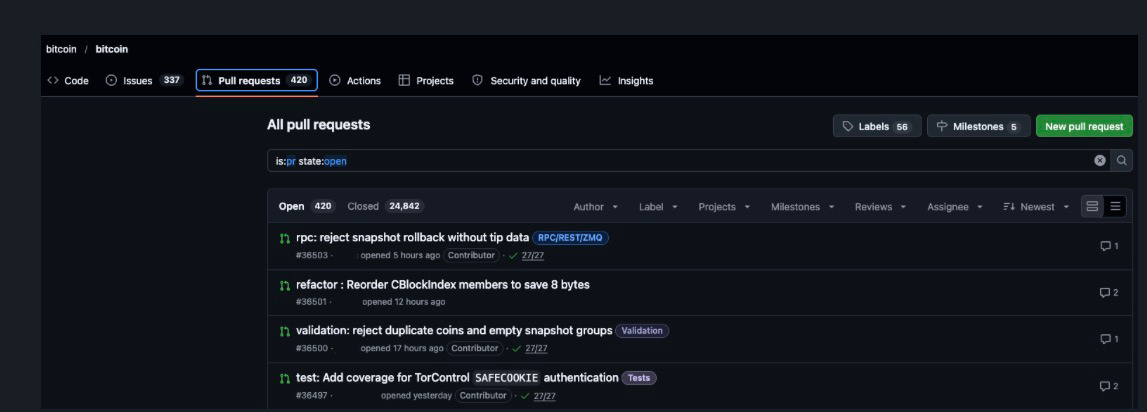
Download the Open-Source Tool: Visit the official Binance GitHub repository and download the open-source verification script.
For example:
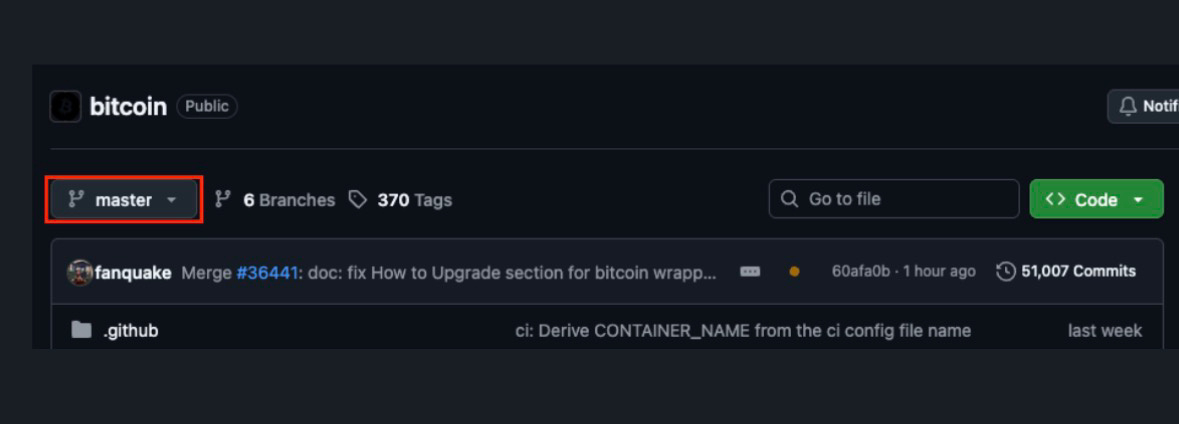
Source: Bitcoin Github
Run the Application: Open your terminal or command line interface and execute the script.
Input Your Data: Paste your Record ID and zk-SNARK proof when the tool prompts you.
Confirm the Match: The script checks your data against the publicly published Merkle Root. If the cryptographic outputs match, you will receive a successful verification message
Binance’s guide lists these commands for verifying the Merkle root:
macOS: ./verifier_darwin
Linux: ./verifier_linux
Windows: ./verifier_windows
To verify your individual account information, use the same command with the -user argument. For example:
./verifier_linux -user
The process requires the relevant verification files, including config.json, proof.csv, zkpor864.vk.save, and your snapshot-specific user_config.json.
Make sure you follow the instructions for the exact verifier version and snapshot you downloaded. The files and configuration must match the selected verification cycle.
For the latest technical instructions, refer to Binance’s official guide: How to Verify Your Account Balance on Binance.
What Does Successful Verification Tell Me and What Are Its Limits?
A successful verification is a strong cryptographic guarantee, but it is important to understand its scope.
What Successful Verification Tells You:
1:1 Backing: Your exact balances were actively accounted for in Binance’s liabilities at the time of the snapshot.
No Hidden Data: Your data was mathematically proven via zk-SNARKs, ensuring no negative balances were used to skew the total reserve numbers.
The Limits of the Snapshot:
Time-Bound: A snapshot is a frozen moment in time. Deposits or withdrawals made after the snapshot will not be reflected until the next audit cycle.
Not a Portfolio Tracker: Proof of Reserves is an auditing mechanism, not a real-time portfolio tracking tool.
Account Security: PoR proves the custody of funds on the exchange side, but it does not protect against user-end security breaches. Always use Hardware Keys (YubiKey) or Authenticator apps to secure your personal account.
Frequently Asked Questions
Where can I find my Binance Proof of Reserves verification data?
You can locate your specific cryptographic data (Merkle Leaf and zk-SNARK proof) by logging into your Binance account, navigating to Wallet > Audits, and clicking on the specific snapshot date you wish to verify.
Which assets are covered in the snapshot I’m checking?
The audit page will list all supported tokens (such as BTC, ETH, BNB, USDT, SOL, etc.) that were calculated during that specific snapshot. Binance continually adds new assets to the PoR system, so unsupported lower-cap tokens might not appear in older snapshots.
Does Proof of Reserves guarantee protection of my funds?
Proof of Reserves guarantees that the exchange held a 1:1 backing for your assets at the exact time of the audit. However, it is not an insurance policy against personal security failures (like phishing or leaked passwords) or unprecedented market events. It is a transparency tool, not a substitute for strong personal security practices.
How often does Binance publish Proof of Reserves?
Binance’s published guide states that monthly snapshots are taken on the first day of the month at 00:00 UTC, with results generally released by the seventh day.