
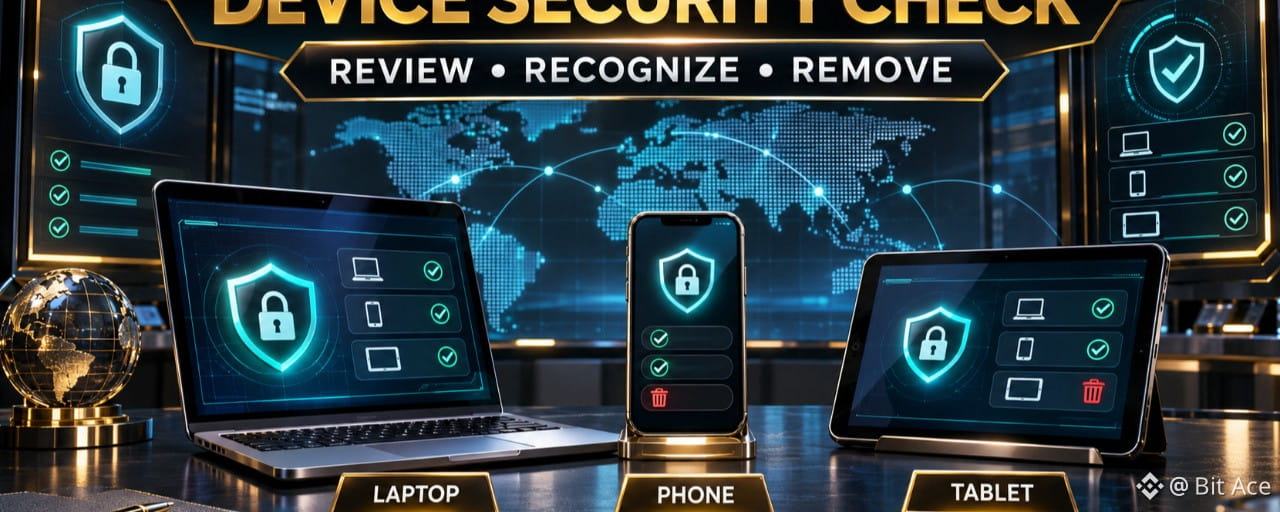

An unfamiliar device or location in your Binance account activity can be an early warning of unauthorized access. Review authorized devices and recent activity from the official Security area, remove access you do not recognize, and use official support if the activity cannot be explained.
Open Device Management from the official account
Sign in through the official Binance website or app, open Account, go to Security, and find Devices and Activities. Avoid security links received through unsolicited messages. The exact labels can change, so follow the current controls shown in your account.
Compare the device, time, and location
Review the listed device type, recent login time, and available location or IP information. A city or IP estimate can be imperfect because of mobile networks or internet providers, so compare several signals instead of relying on one field. Check whether you recently used a new browser, phone, network, or travel location.
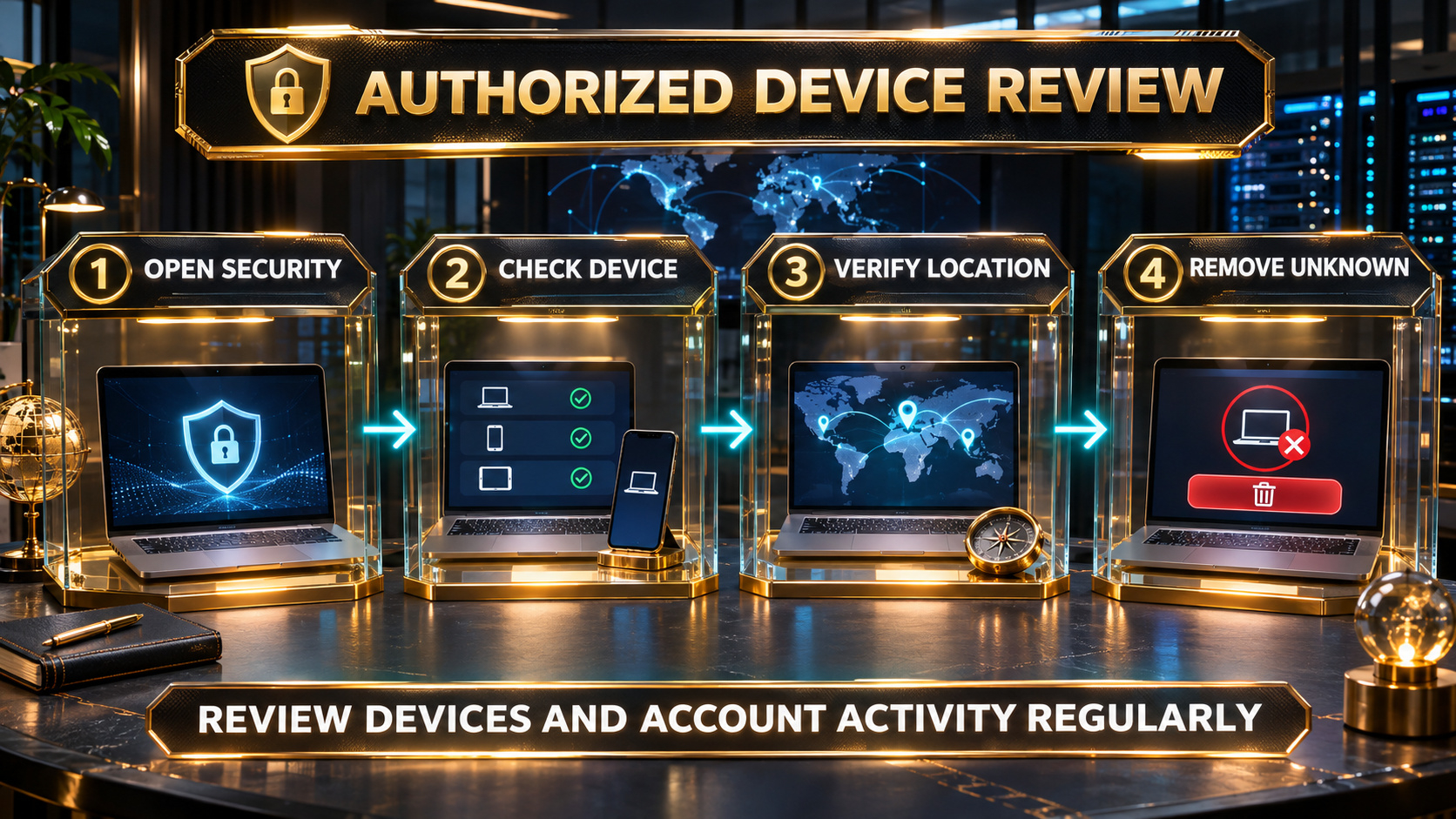
Authorized device review: open Security, check the device, verify the location, and remove unknown access.
Remove devices you do not recognize
Binance advises removing an authorized device that you do not recognize or no longer use. A removed device should not regain access without completing the account's current confirmation process. Do not remove a device merely because its displayed name is unfamiliar; first compare it with devices and browsers you actually use.
Secure the connected email and verification methods
If the activity looks suspicious, protect the email account connected to Binance, review active sessions, and check your passkey, authenticator, phone, and recovery settings. Use unique passwords and never give another person a password, live verification code, recovery code, private key, or recovery phrase.
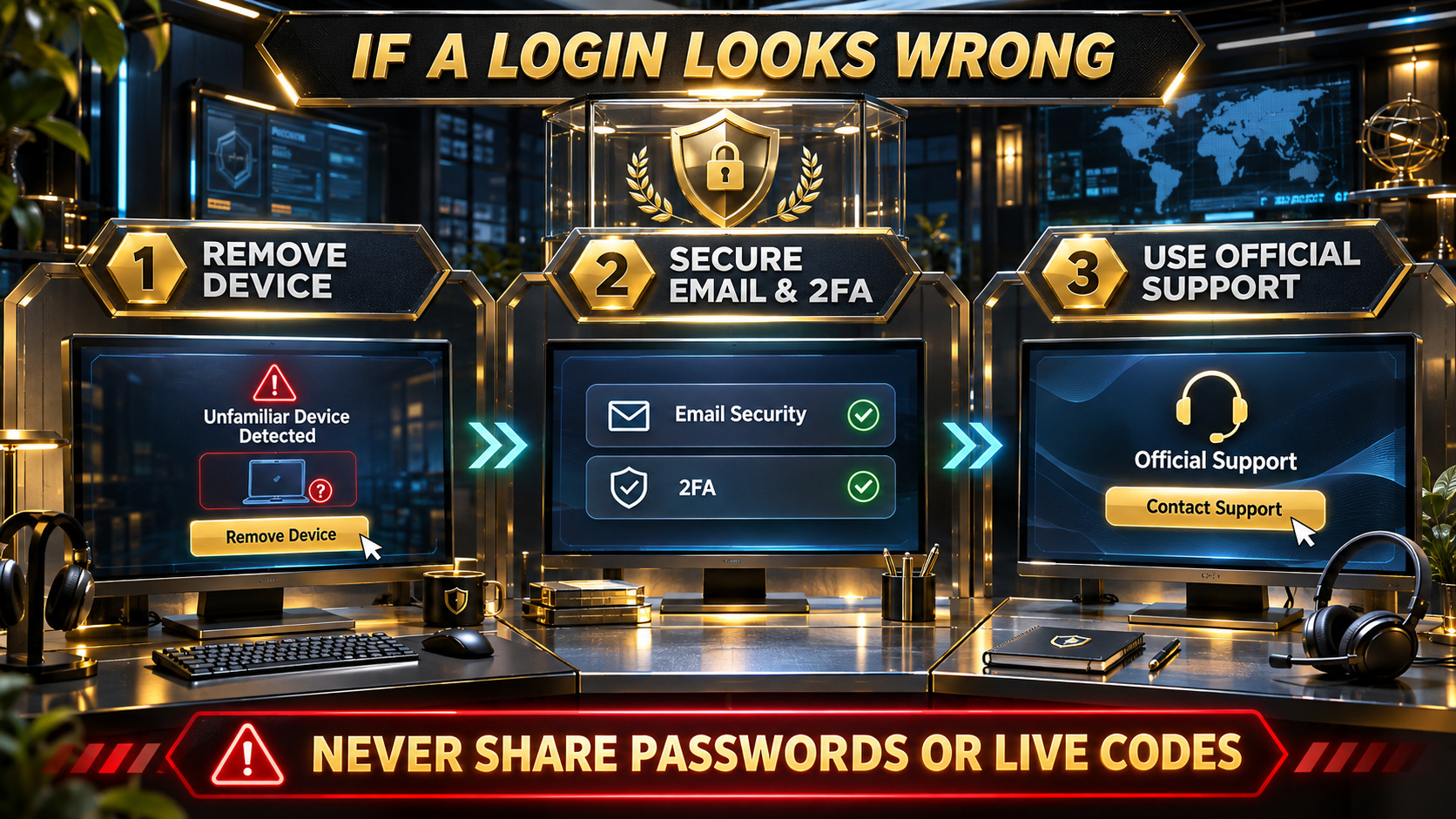
If a login looks wrong, remove the device, secure email and 2FA, and use official support.
Use official support for unexplained activity
If you cannot explain a login or notice other unauthorized activity, use Binance's official security controls and Support Center. Binance provides a Disable Account option for suspected compromise; read the current consequences carefully before using it because disabling an account is a significant protective action.
Frequently asked questions
Q1. Where can I review authorized Binance devices? Open the official account's Security area and look for Devices and Activities or Device Management.
Q2. Does an unfamiliar location always mean my account was hacked? No. Mobile networks, internet providers, VPNs, and travel can affect location information. Compare the device, time, browser, network, and your own activity.
Q3. What happens after I remove an authorized device? Binance states that a removed device cannot access the account again without completing the applicable confirmation process.
Q4. Should I share a screenshot of my activity page publicly? No. Keep IP addresses, device details, account identifiers, and security information private and use official support.
Q5. Should I disable my account after every unfamiliar entry? First compare the available evidence. If you suspect unauthorized activity, follow the official security controls and read the Disable Account notice before acting.
Official sources
Binance Academy: Secure Your Binance Account in 7 Simple Steps https://www.binance.com/en/academy/articles/secure-your-binance-account-in-7-simple-steps
Binance: How to Disable My Binance Account https://www.binance.com/en/support/faq/detail/115003800652
Check availability and terms before signing up
If Binance is available where you actually live and you need a new account, use genuine identity and residence information. Confirm referral code UAUBG73C on the official registration form before submitting. No reward, discount, approval, or product access is guaranteed.
https://www.binance.com/join?ref=UAUBG73C
Affiliate disclosure: this Article includes a referral sign-up link.
#BinanceSecurity #DeviceManagement #AccountSecurity #CryptoSafety