
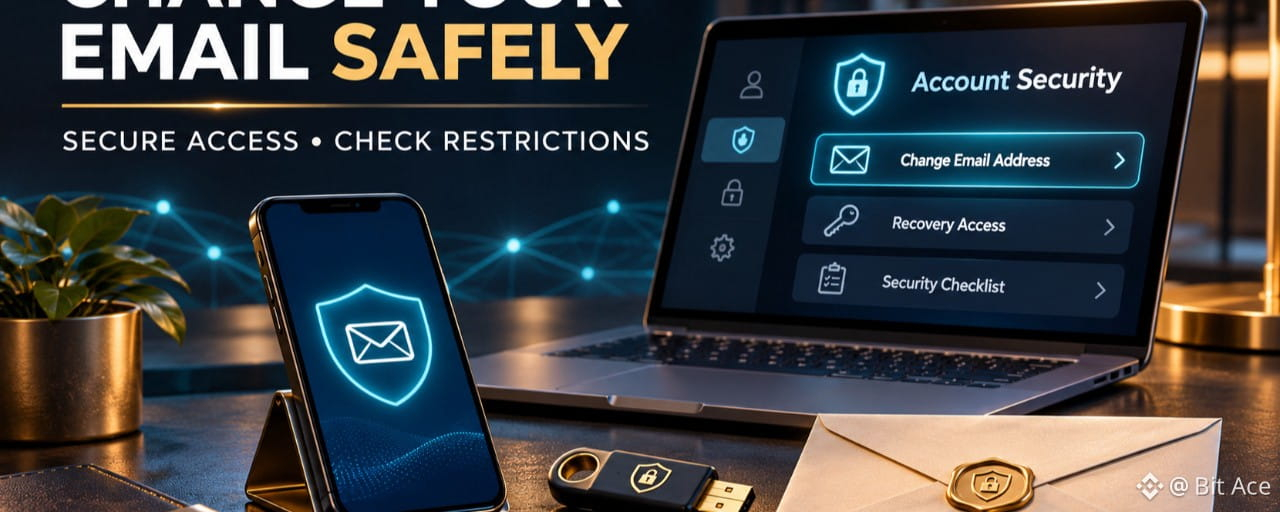

Changing the email linked to a Binance account is a security-sensitive action, not a routine profile edit. Use only the official account settings, secure the new inbox first, and expect temporary restrictions after the change. The current notice shown in your own account is the controlling instruction.
Secure the new email account first
Use an inbox you control and can recover. Create a unique password, enable the email provider’s strongest available multi-factor authentication, and review active sessions and recovery options. Do not reuse your Binance password or send verification codes to another person.
Start the change only inside the official account
Sign in through the official Binance website or app, open Account, go to Security, and select Manage next to Email. Read the displayed notice before continuing, complete the required passkey or 2FA checks, then verify the new address. Avoid email-change links received through unsolicited messages.
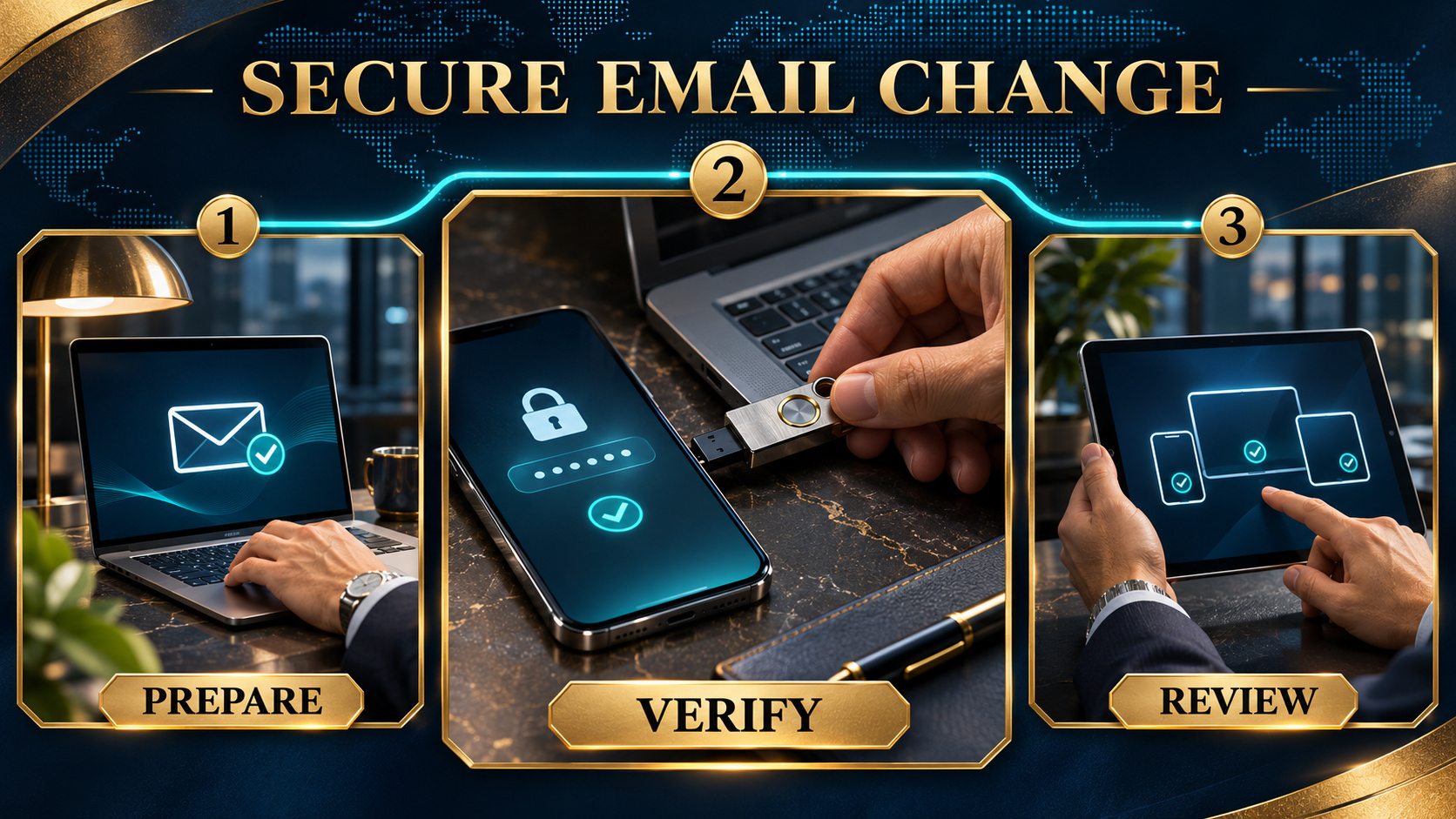
Understand the temporary security hold
Binance states that withdrawals, internal transfers, and P2P transactions can be disabled for up to 24 hours after an account email change. Binance also states that the old email address cannot be used to register again for 30 days. Do not promise yourself an immediate transfer; follow the restriction shown in the account.
Review devices and recovery routes
After the address is updated, review recognized devices, active sessions, passkeys, authenticator settings, phone access, and the new inbox’s recovery information. Remove access you no longer recognize and keep recovery details private.
Act quickly if the old inbox was compromised
If you notice suspicious Binance activity, do not rely on an email change alone. Use the official account-security controls and Binance Support. Binance provides a Disable Account option for suspected unauthorized activity; read the consequences carefully before using it.
Frequently asked questions
Q1. Will changing my email stop withdrawals? A1. Binance says withdrawals, internal transfers, and P2P transactions may be disabled for up to 24 hours after the change.
Q2. Can I immediately reuse the old email for another Binance account? A2. Binance states that the old address cannot be used to register again for 30 days.
Q3. Should I open an email-change link from a message? A3. Use the official website or app directly and begin from Account > Security.
Q4. Does changing the email remove every unauthorized session? A4. No. Review devices, sessions, 2FA, passkeys, and recovery options separately.
Q5. Can Support ask for my password or live 2FA code? A5. Do not disclose passwords, live verification codes, private keys, recovery phrases, or recovery codes.
Official sources
Binance: How to Change My Binance Account Email? https://www.binance.com/en/support/faq/detail/115003784871
Binance: How to Disable My Binance Account https://www.binance.com/en/support/faq/detail/115003800652
Check availability and terms before signing up
If Binance is available where you actually live and you need a new account, use genuine identity and residence information. Confirm referral code UAUBG73C on the official registration form before submitting. No reward, discount, approval, or product access is guaranteed.
https://www.binance.com/join?ref=UAUBG73C
Affiliate disclosure: this Article includes a referral sign-up link.
#BinanceSecurity #AccountSecurity #EmailSecurity #CryptoSafety