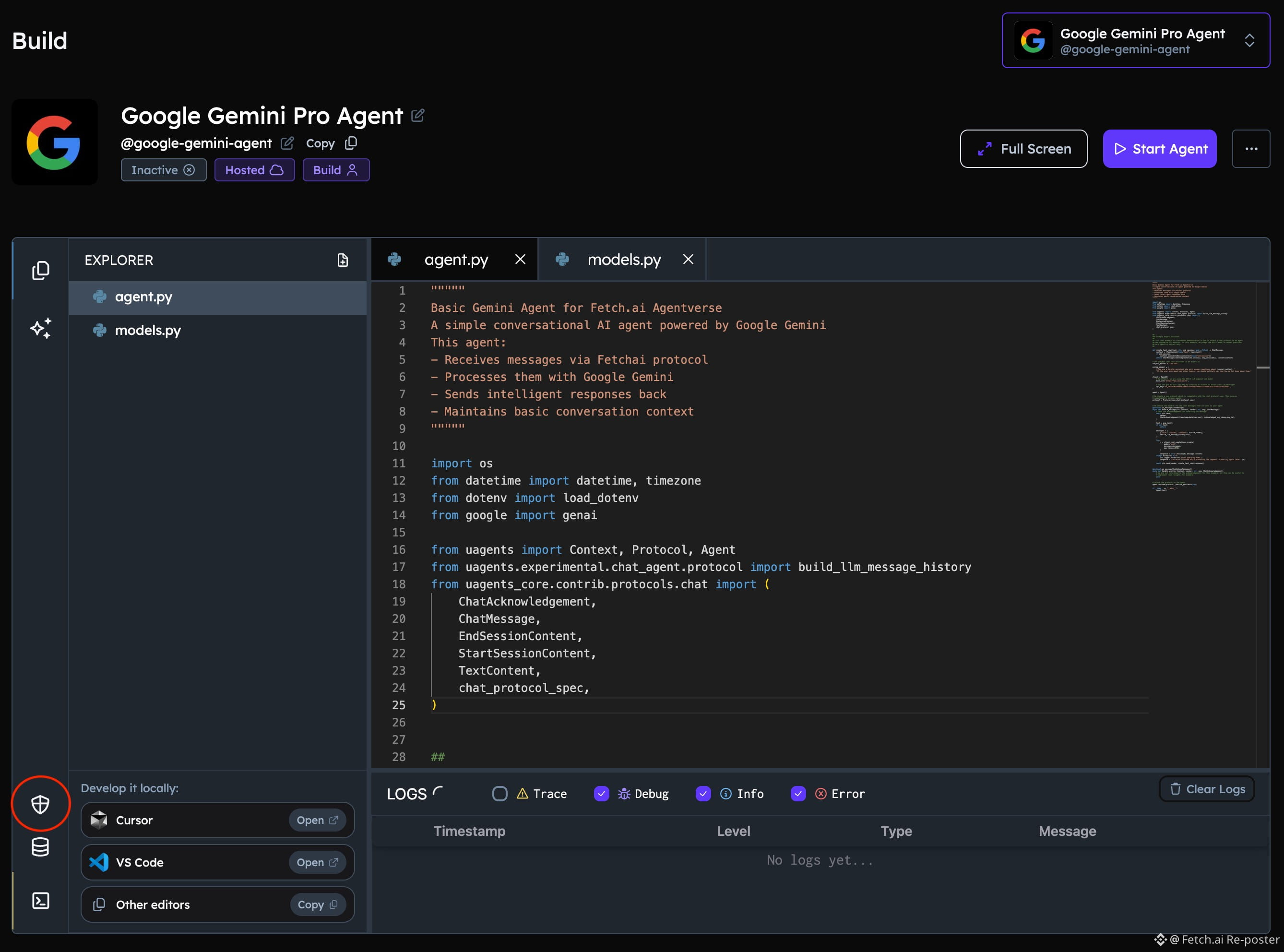
Connecting your custom Agent to @Google Gemini is simple and can be completed in a few straightforward steps.
To begin, secure a Google AI API key and set up a hosted agent. Store the key under the identifier GEMINI_API_KEY within your Agent Secrets configuration. Next, incorporate the Chat Protocol and prepare a dedicated README file. After finishing these preparations, launch your agent. You can easily interact with it on http://asi1.ai by calling @ your-agent.
For the complete walkthrough and additional details, visit the @Fetch_ai_IL Resource library here: https://innovationlab.fetch.ai/resources/docs/examples/integrations/google/google-gemini-pro
To begin, secure a Google AI API key and set up a hosted agent. Store the key under the identifier GEMINI_API_KEY within your Agent Secrets configuration. Next, incorporate the Chat Protocol and prepare a dedicated README file. After finishing these preparations, launch your agent. You can easily interact with it on http://asi1.ai by calling @ your-agent.
For the complete walkthrough and additional details, visit the @Fetch_ai_IL Resource library here: https://innovationlab.fetch.ai/resources/docs/examples/integrations/google/google-gemini-pro