
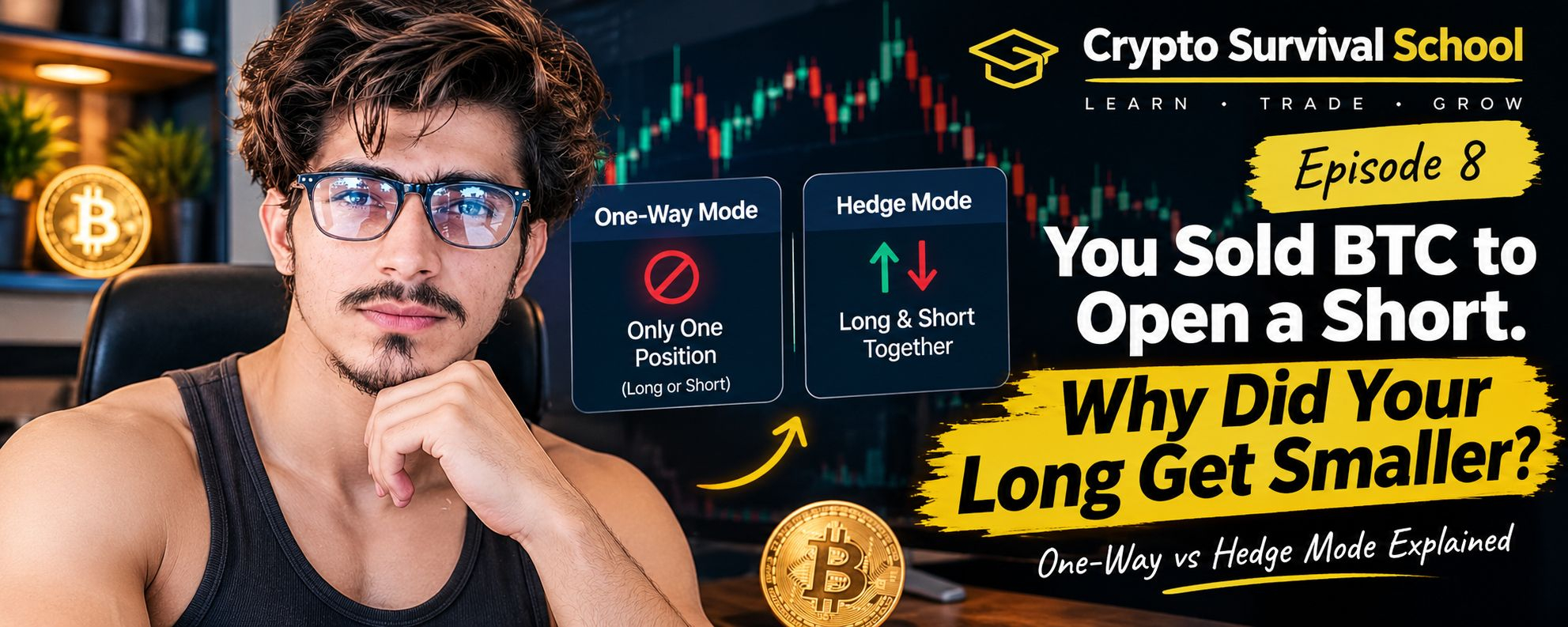

YOU SOLD BTC TO OPEN A SHORT. WHY DID YOUR LONG GET SMALLER?
Imagine you've opened a BTCUSDT Futures long.
You're holding 0.010 BTC.
Suddenly, the market starts looking weak. You don't want to close your long completely, but you think BTC might fall in the short term.
So you decide to open a small short position of 0.004 BTC to protect yourself.
You press Sell.
The order fills.
But when you check your positions, something unexpected has happened.
Your long is now only 0.006 BTC.
Where's your short?
Did you make a mistake?
Not necessarily. You may have overlooked one setting on Binance Futures.
It's called POSITION MODE.
THE SAME SELL ORDER CAN DO TWO VERY DIFFERENT THINGS.
Binance Futures has two position modes:
ONE-WAY MODE
In One-Way Mode, you can hold only one direction at a time under the same Futures contract.
If you're holding a 0.010 BTC long and sell 0.004 BTC, that opposite-side order reduces your existing long position.
You now have 0.006 BTC long.
You haven't opened a separate short.
The order has simply reduced your existing exposure.
HEDGE MODE
Hedge Mode works differently.
It allows you to hold a long and a short position simultaneously on the same contract.
Using our example, you could have:
Long: 0.010 BTC
Short: 0.004 BTC
Both positions appear separately.
Now you actually have two positions instead of one reduced position.
But here's something important:
HEDGE MODE DOESN'T MEAN YOUR TRADE IS NOW SAFE.
Let's say BTC falls.
Your short may make money, while your long loses money.
If BTC rises, your long may make money while your short loses money.
The two positions can offset some of each other's directional exposure, depending on their sizes.
In our example, you're still roughly net long 0.006 BTC.
So you've reduced some exposure, not eliminated risk.
And don't forget that trading fees and possible funding payments still matter.
HERE'S THE DETAIL MANY BEGINNERS MISS.
Position Mode and Margin Mode are not the same thing.
Remember Episode 7, where we discussed Cross and Isolated Margin?
Those settings answer a different question.
Think of it this way:
POSITION MODE:
Can you hold a long and short simultaneously?
MARGIN MODE:
How is the margin supporting your position allocated?
One controls your position structure.
The other controls how your margin is managed.
Changing one doesn't mean you've changed the other.
BEFORE YOUR NEXT FUTURES TRADE, CHECK THIS.
Open your Binance Futures settings and find Position Mode.
You'll see the options:
• One-Way Mode
• Hedge Mode
If you only intend to trade in one direction at a time, One-Way Mode may be simpler to understand.
If you genuinely need separate long and short positions on the same contract, Hedge Mode provides that option.
Don't switch settings just because one sounds more advanced.
And don't rush to close a live position just to change modes.
Binance doesn't allow you to change Position Mode while you have open positions or open orders, so plan ahead.
THE REAL LESSON?
Before pressing Buy or Sell, understand what that order will actually do to your existing position.
A Sell button doesn't automatically mean you're opening a short.
Sometimes, you're simply closing part of your long.
Let me ask you something:
Have you ever tried to open a short while already holding a long, only to discover that your original position became smaller?
Did you know the difference between One-Way Mode and Hedge Mode?
Share your experience. Someone learning Futures might avoid a confusing mistake by reading it.
Crypto Survival School is educational content, not financial advice. Futures trading involves substantial risk, and leverage can magnify losses.