

A withdrawal marked processing has a different next step from one marked completed with a TxID. Check Binance withdrawal history, then use the TxID and correct network explorer to see whether the transfer reached the blockchain; recipient credit can occur later.
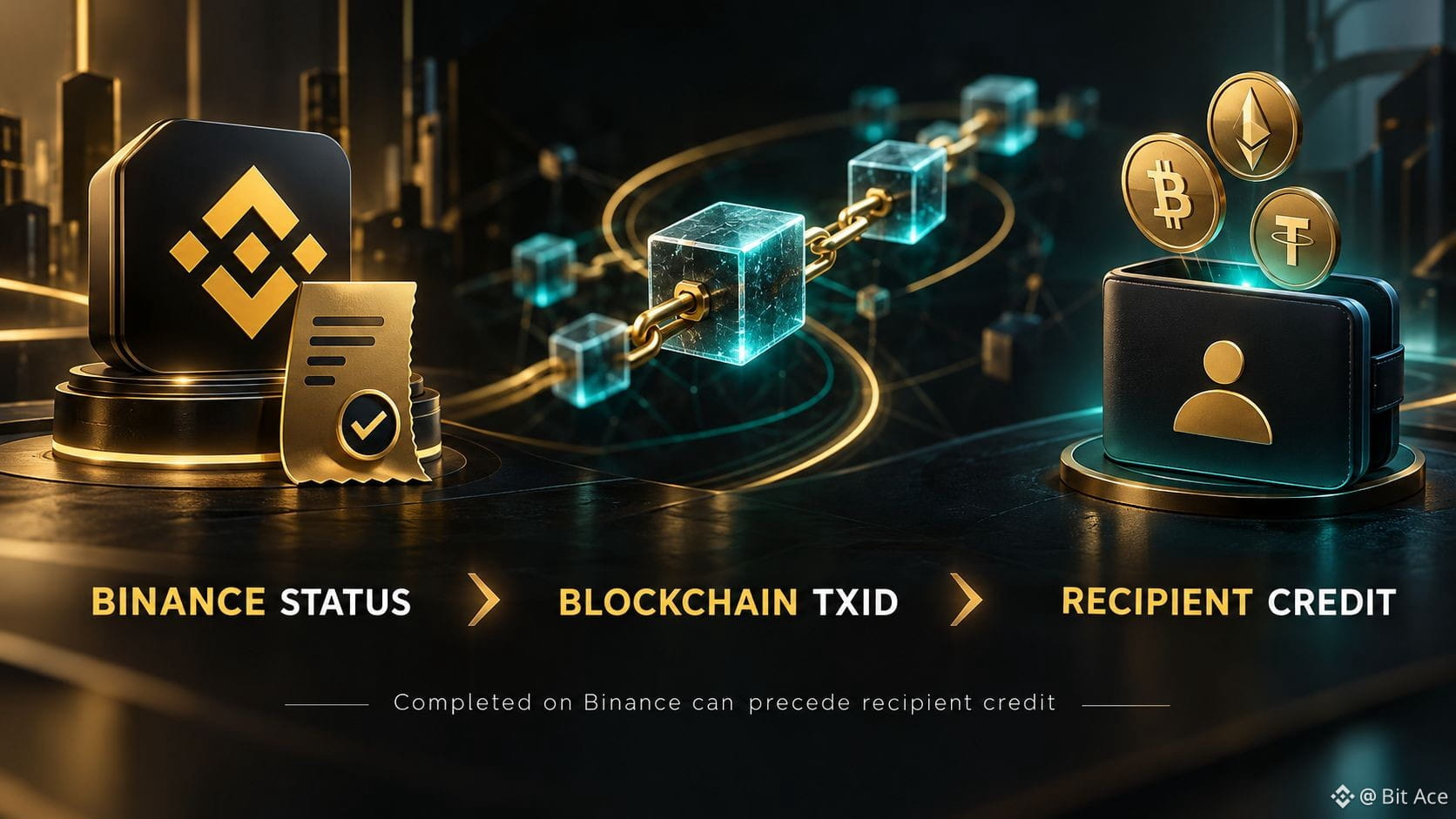
1. Read Binance's current status
Open the exact asset's withdrawal record and review whether it is processing, failed, or completed. Processing may still require Binance-side checks. Do not assume the presence of a request means funds were already sent on-chain.
2. Use the TxID after broadcast
When Binance provides a TxID, inspect it on the explorer for the actual network. Confirm destination, asset or token transfer, and network confirmations. Keep the network and transaction identifier together when asking for help.
3. Separate sending from recipient credit
A completed Binance withdrawal means its sending stage is complete under Binance's status rules. The receiving exchange or wallet can still require confirmations, a correct memo, minimum amount, or its own processing before credit. Check that platform's deposit record.
4. Contact the responsible side
If there is no TxID and the request stays processing, use Binance's official support. If the transaction is confirmed to the correct destination but the recipient has not credited it, contact the receiving platform with the TxID and transfer details privately.
5. Frequently asked questions
Q1. Does completed mean the recipient credited me?
A1. No. The receiving platform has a separate credit process.
Q2. Where do I find the TxID?
A2. Open the corresponding entry in Binance withdrawal history when one is available.
Q3. Should I check a Bitcoin explorer for every withdrawal?
A3. No. Use an explorer for the network actually selected.
Q4. What if the destination is wrong?
A4. Contact official support promptly; blockchain transfers may be irreversible.
Q5. Should I share my TxID publicly?
A5. Use official private support for account-specific troubleshooting.
6. Official sources
7. Check terms before opening an account
If you are considering a new Binance account, check whether the service is available where you live and review the current terms. You may use the official Binance sign-up page with code UAUBG73C; confirm the code in the form before submitting. A referral code does not guarantee a discount, reward, or access to any product.
Affiliate disclosure: this article includes a referral sign-up link.
#Binance #CryptoWithdrawal #TxID #CryptoSafety