


أتحقق من محفظتي مرات كثيرة جدًا في اليوم. سعر BTC، وأرصدة محفظتي، وما إذا كان الوقت مناسبًا لإضافة رصيد إلى مركز ما — إنها عادة تستهلك وقتًا أكبر بكثير مما ينبغي. عندما أطلقت Binance Agent OS، أردت أن أرى ما إذا كان بإمكانه فعلًا إزالتها عن لوحي، وليس مجرد الإجابة عن أسئلة حوله.
يربط Binance Agent OS وكيلًا بالذكاء الاصطناعي — Claude أو ChatGPT أو أي شيء تستخدمه — مباشرةً بحساب Binance الخاص بك عبر MCP (Model Context Protocol)، وهو المعيار المفتوح نفسه الذي كانت تستخدمه بالفعل OpenAI وAnthropic وMicrosoft وغيرها. لا توجد مفاتيح API موجودة على جهازك. كل شيء يعمل داخل حساب فرعي منفصل ومخصص للوكلاء (Agentic)، معزول عن أموالك الرئيسية، ولا يُسمح للوكيل مطلقًا بالوصول إلى عمليات السحب.
لقد قمت بإعداده (حوالي 10 دقائق، رابط موصل واحد، وتسجيل دخول واحد) وشغّلته عبر ثلاث مهام حقيقية. إليك بالضبط ما حدث.
🔹 المهمة 1 — التحقق من السوق بدون فتح خمس تبويبات
المشكلة التي كنت أحلها: عادةً لدي تطبيق Binance مفتوح، ومخطط TradingView، وتبويب للأخبار فقط للإجابة عن «أين يوجد BTC الآن». هذا مبالغ فيه للتحقق السريع.
النص الدقيق الذي استخدمته: "ما هو سعر BTCUSDT الحالي والتغير خلال 24 ساعة؟ — مؤشرات، دفاتر أوامر، شموع، أسعار التمويل."
ما الذي حدث: استدعى كلود أداة مؤشر السعر المباشر ثم عاد بالبيانات، بما فيها السعر، وأعلى/أدنى مستوى خلال 24 ساعة، والحجم—كل ذلك في رسالة واحدة، بدون تبديل تطبيقات.

ما تعلمته: ليس الأمر مجرد سحب من الذاكرة—بل هو جلب بيانات Binance المباشرة عند الطلب، لذا الأرقام تكون حديثة وليست مجرد تخمين.
🔹 المهمة 2 — رؤية محفظتي بالكامل في لقطة واحدة
المشكلة التي كنت أحلها: أموالي موزعة بين Spot وFunding، ويوجد جزء قليل في Earn، وأحيانًا Margin. التحقق من كل ذلك يعني عادةً النقر عبر قائمة المحفظة قسمًا قسمًا.
النص الدقيق الذي استخدمته: "اعرض رصيد حسابي Agentic عبر جميع المحافظ"
ما الذي حدث: رد واحد، وجدول واحد — تم سرد كل نوع من المحافظ مع رصيده وحالته، بدءًا من Spot وصولًا إلى Trading Bots. كان ذلك أسرع بالفعل من إنجازه يدويًا داخل التطبيق.
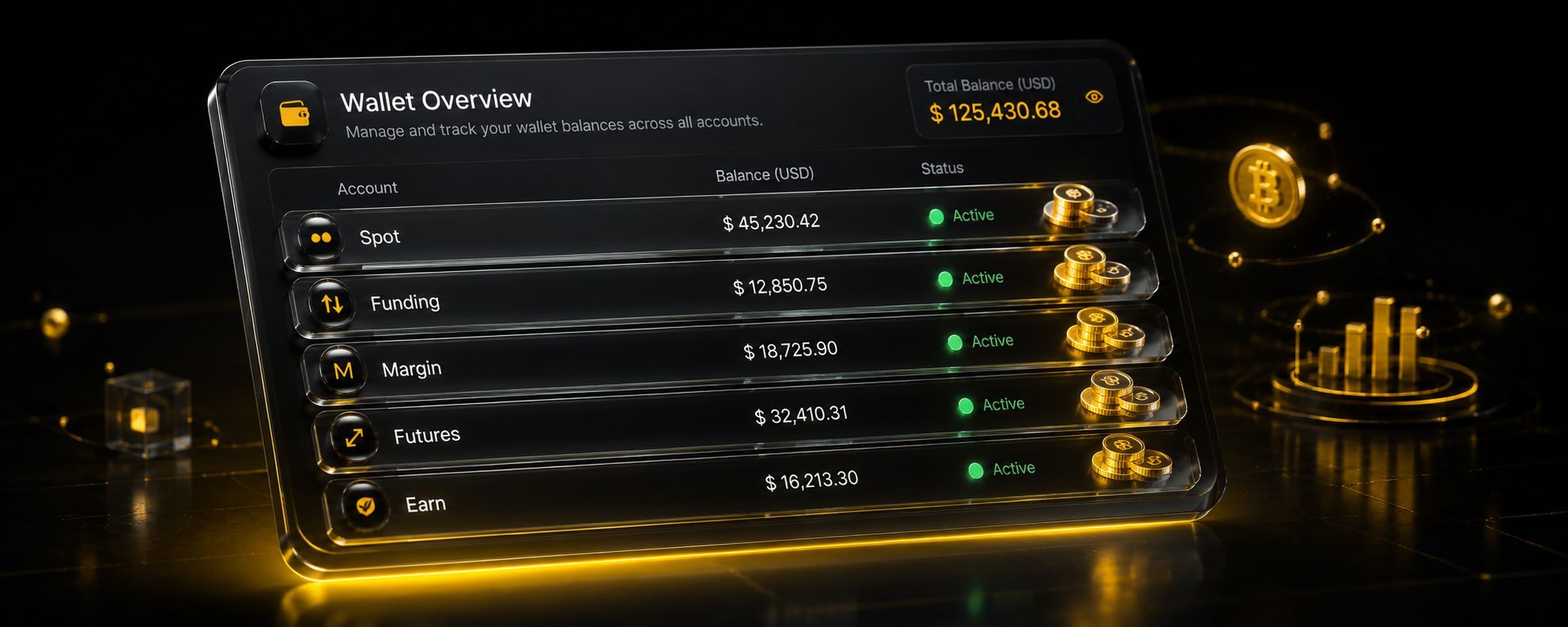
ما تعلمته: هذا يعرض فقط حساب «Agentic» الفرعي، وليس حسابك الرئيسي—وهذا بالضبط هو المقصود؛ فالوكيل لا يرى أموالًا إلا تلك التي وضعتها عمدًا في المسار المخصص له.
🔹 المهمة 3 — السماح له بوضع تداول فعليًا
المشكلة التي كنت أحلها: هذه هي الجزء الذي كنتُ الأكثر تشككًا فيه. لم أكن أريد وكيل ذكاء اصطناعي يطلق أوامر شراء/بيع من تلقاء نفسه.
النص الدقيق الذي استخدمته: "اشترِ 5 دولارات من BNB بسعر السوق (Spot)"
ما الذي حدث: لم ينفّذ كلود العملية فورًا. لقد عرض كامل الطلب أولًا—الرمز BNBUSDT، والاتجاه BUY، والنوع MARKET، والمبلغ 5.00 USDT، والمحفظة Spot—ثم قال بوضوح إن أمر السوق لا يمكن التراجع عنه، وبعد ذلك سألني إن كان يجب أن نكمل. لم يتم وضع الأمر إلا بعد أن كتبت «نعم». تم التنفيذ بسعر 670.69 دولارًا لكل BNB، وحصلت على رسوم المعاملة والمبلغ النهائي في نفس الرد.
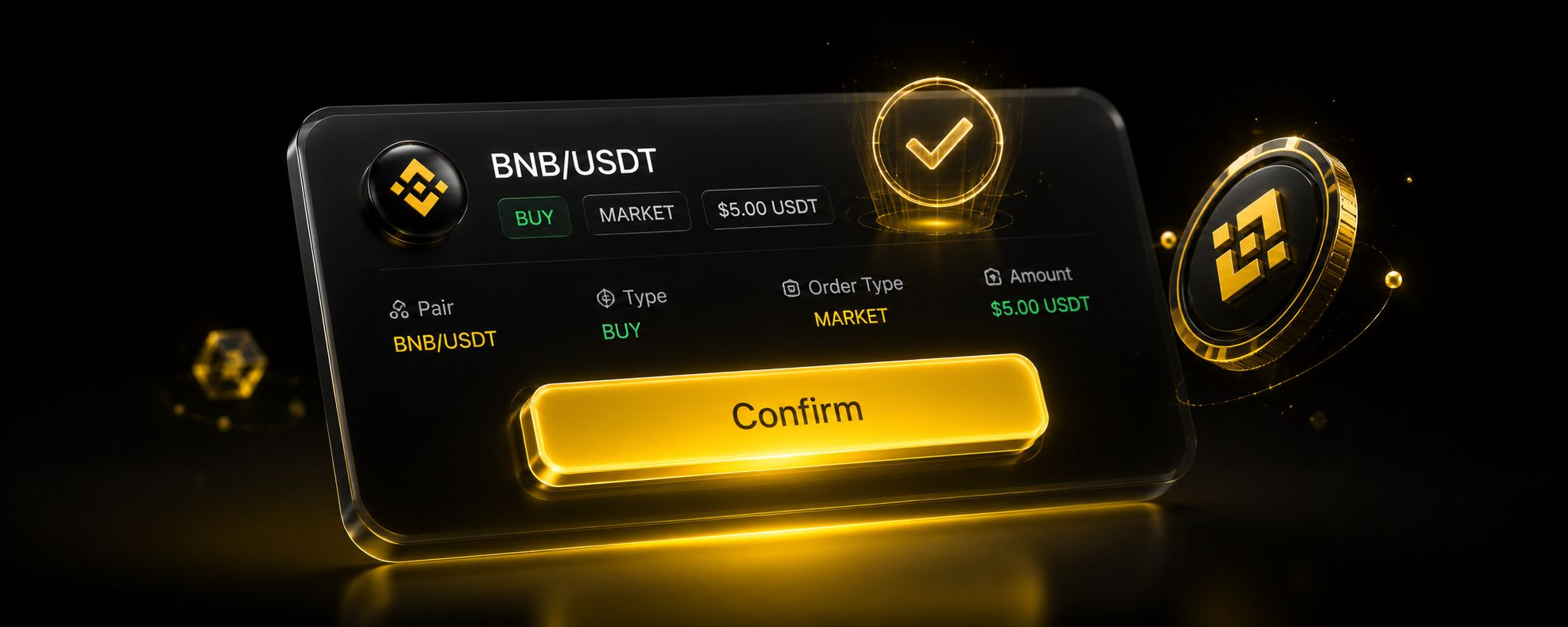
ما تعلمته: خطوة التأكيد ليست مجرد إجراء شكلي—إنها توقف وتنتظر منك قبل حدوث أي شيء لا يمكن الرجوع عنه. هذا هو الفرق بين «مساعد ذكاء اصطناعي» و«ذكاء اصطناعي مع أموالك»، وهي الجزء الذي جعلني أثق بباقي خطوات سير العمل.
💡 المَفْسَدة/المفاجأة التي وقفت عندها
بدأ حسابي الفرعي Agentic فارغًا تمامًا، ولا توجد طريقة لتحريك الأموال إليه من حسابي الرئيسي—لا بد من ذلك يدويًا مرة واحدة عبر واجهة Binance العادية. لو أنني لم أُودِع الأموال أولًا في الحساب الفرعي، لما كان أول طلب شراء لـ BNB قد وصل إلى نتيجة. إذا قمت بإعداده ووجدت أن وكيلك «لا يستطيع» فعل أي شيء، فهذه هي—على الأرجح—السبب.

🔐 لماذا شعرتُ أنه مختلف عن مجرد «استخدام ذكاء اصطناعي»
هذا ليس وكيلًا يفعل أي شيء يريده بحسابي. إنه وكيل لا يمكنه رؤية سوى حساب فرعي مخصص واحد، ولا يمكنه السحب إطلاقًا، ويجب أن يتوقف ويسأل قبل أي شيء يترتب عليه عواقب حقيقية. الوصول للقراءة واسع؛ لكن القدرة على تغيير أي شيء محدودة، ويتم تأكيد ذلك في كل مرة.
الخلاصة: بالنسبة لي، حوّل Agent OS عبارة «دعني أتحقق من خمس أشياء عبر ثلاثة تبويبات» إلى بضع جمل—دون أن يتنازل عن لحظة حصولي على القرار النهائي. إذا كنت فضوليًا لمعرفة وكلاء الذكاء الاصطناعي وهم يلمسون عملتك المشفرة فعليًا بدلًا من مجرد الدردشة عنها، فهذا أسلوب منخفض المخاطر لتجربته بنفسك.