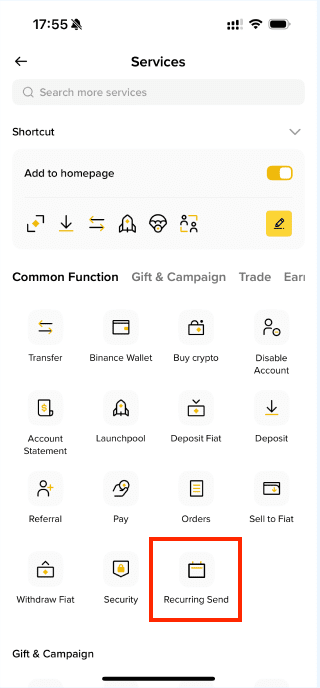
Recurring Send allows you to set up automated, scheduled crypto withdrawals from your Binance Account to a Binance user or a designated on-chain address at fixed daily/weekly/monthly/annual intervals.
There’re 2 ways to set up Recurring Send:
or
On the Crypto Withdrawal page, when setting up your withdrawal details:
1. Tap the dropdown list under the selected token.
2. Choose your preferred frequency - daily, weekly, monthly, or annually.
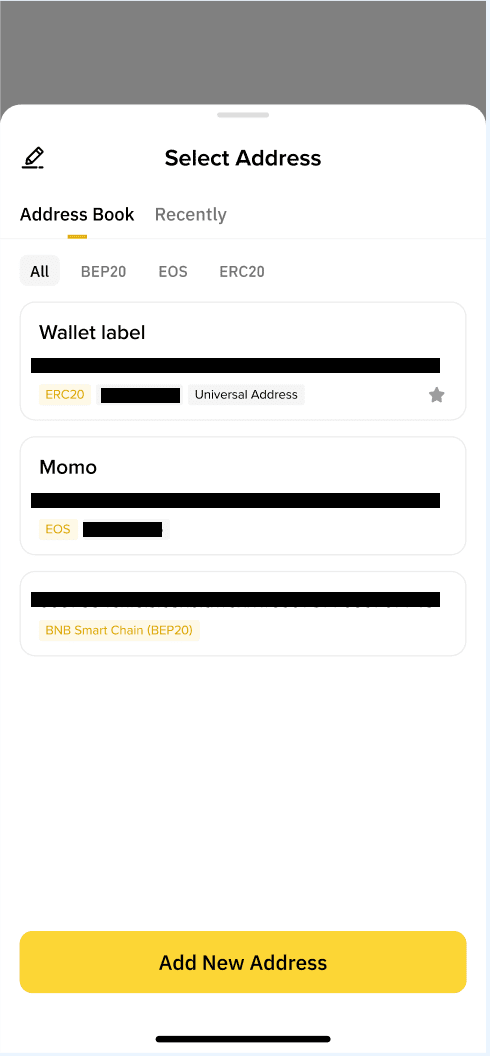
3. Paste an on-chain address or choose a saved address from your address book.
4. Enter the amount you wish the address to receive and select [Recurring Withdraw].
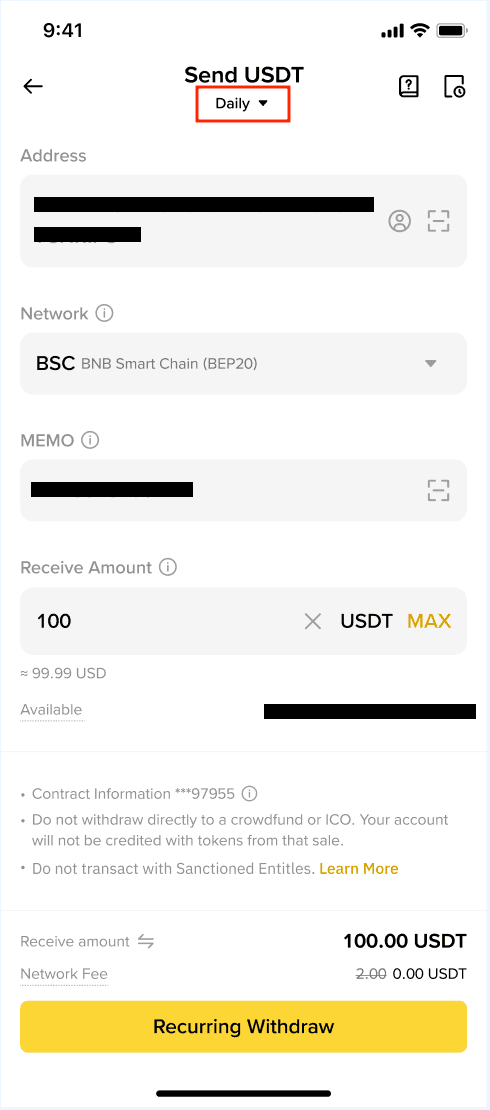
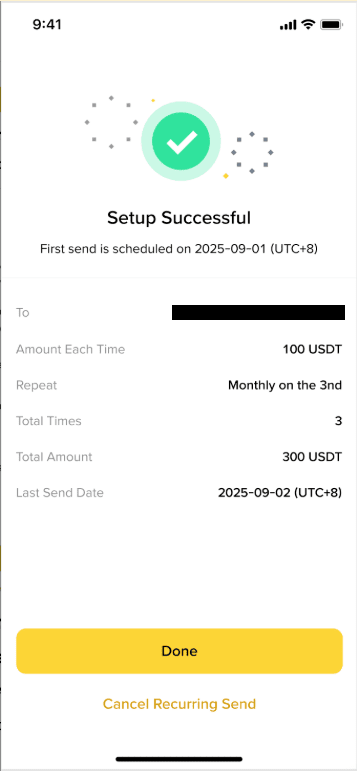
5. You’ll receive a confirmation once your schedule is active.
If Withdrawal Whitelist is disabled, you can paste an on-chain address.
If Withdrawal Whitelist is enabled, you can only use whitelisted addresses from your address book.
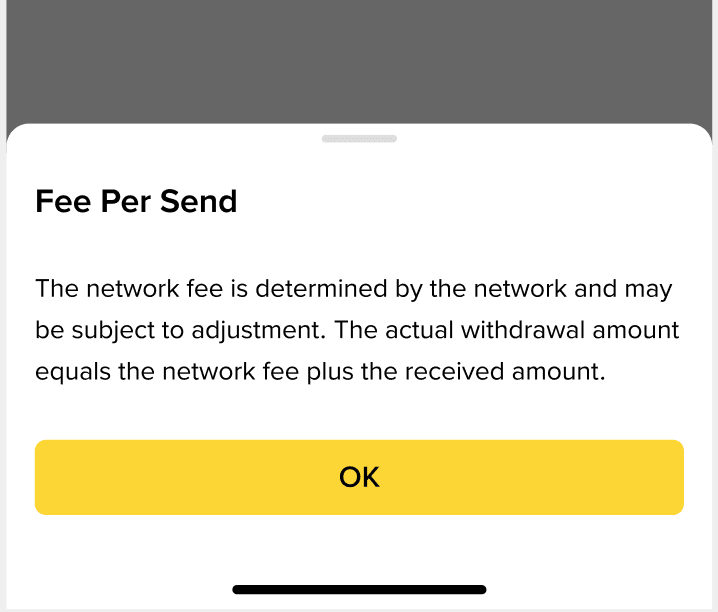
Yes. Standard network (gas) fees apply for all on-chain scheduled withdrawals.
You’ll receive in-app, push, and email notifications for key updates related to your scheduled recurring withdrawals, including:
Yes, you can set up multiple schedules for different assets or addresses.
Please note: Recurring Send is subject to your account’s withdrawal limits.
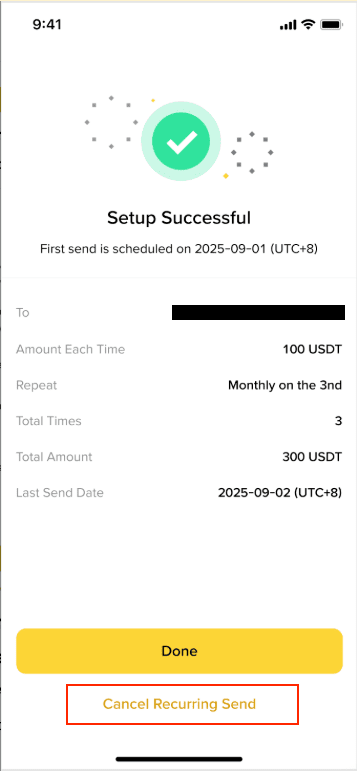
Navigate to the Recurring Send page and select the schedule you want to cancel. Choose [Cancel Recurring Send].
A Recurring Send transaction may fail if you don’t have a sufficient balance at the time of the execution. Ensure you have sufficient funds in your account before the scheduled send date. We will send you a reminder 1 day before the send date.
If a Recurring Send transaction fails, we will notify you. You may need to manually send the funds to your recipient, as the feature will not re-send automatically for failed attempts.
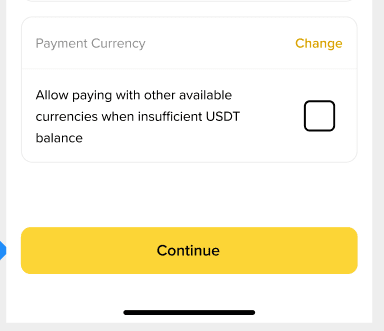
You can check the “Allow paying with other available currencies when insufficient USDT balance” option when setting up your Recurring Send, so that when the balance of the selected token is insufficient, the system will utilize other available tokens for the transfer.
On Binance App:
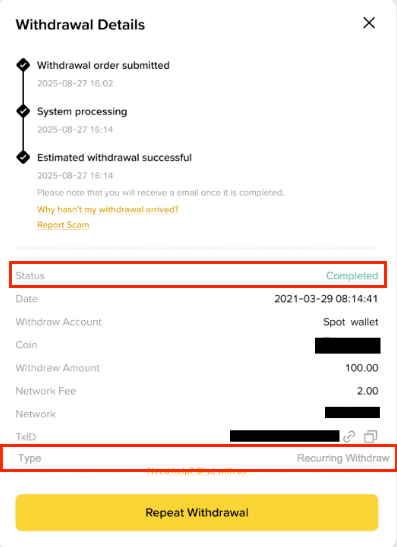
You can view Recurring Send status under Asset History as Recurring.
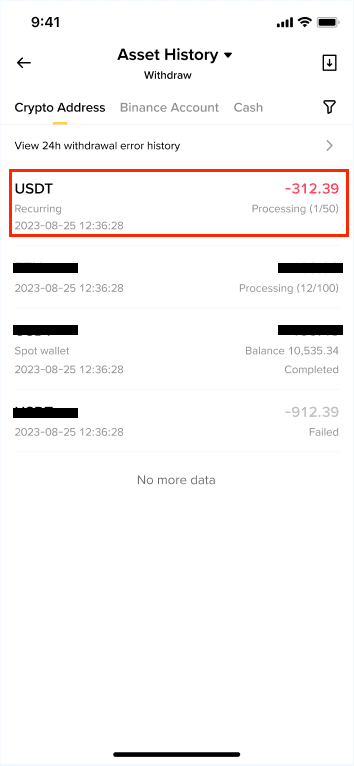
On Binance website:
To check the status, go to [Orders] - [Asset History] and click on the specific withdrawal transaction of Recurring Withdraw type.